- 0 MINs Read
ChatGPT
FAQs
How do I enable ChatGPT on my Tutor LMS website?
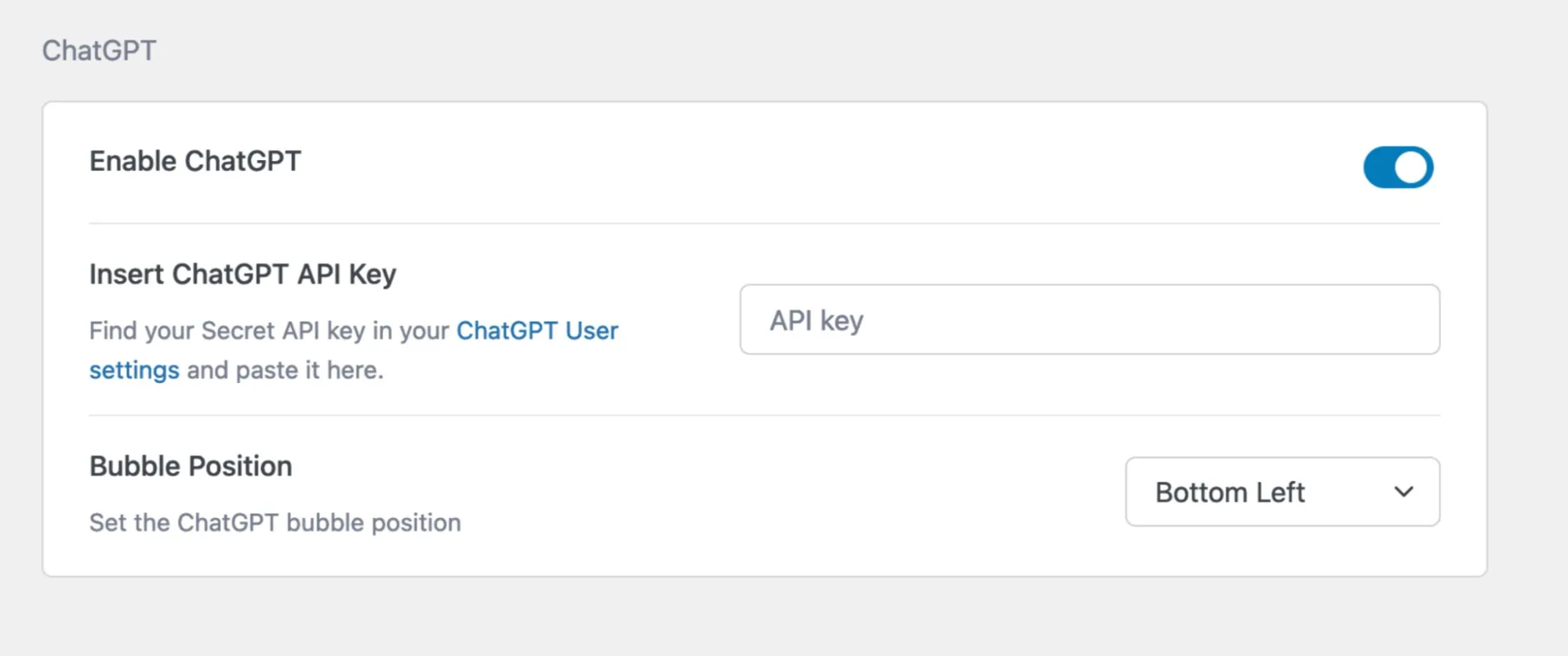
Go to your WordPress Dashboard and navigate to Tutor LMS Pro > Settings > Advanced. There, enable ChatGPT using the toggle button and paste the API keys, and you are good to go.
Are there any security or privacy concerns when using ChatGPT in my courses?
No, there will be no security or privacy issues when using ChatGPT in your eLearning courses.
Use cases
Streamline course creation: You can generate high-quality content quickly and easily, saving valuable time and resources.

Start Using Tutor LMS Today
Ready to take your online courses to new heights? Download Tutor LMS now and enjoy a journey of eLearning excellence.