Zoom
FAQs
Do I need a Zoom account to use this integration?
Yes, an active Zoom account is required to host meetings. Learners can join meetings without a Zoom account.
Can I manage my Zoom settings within Tutor LMS?
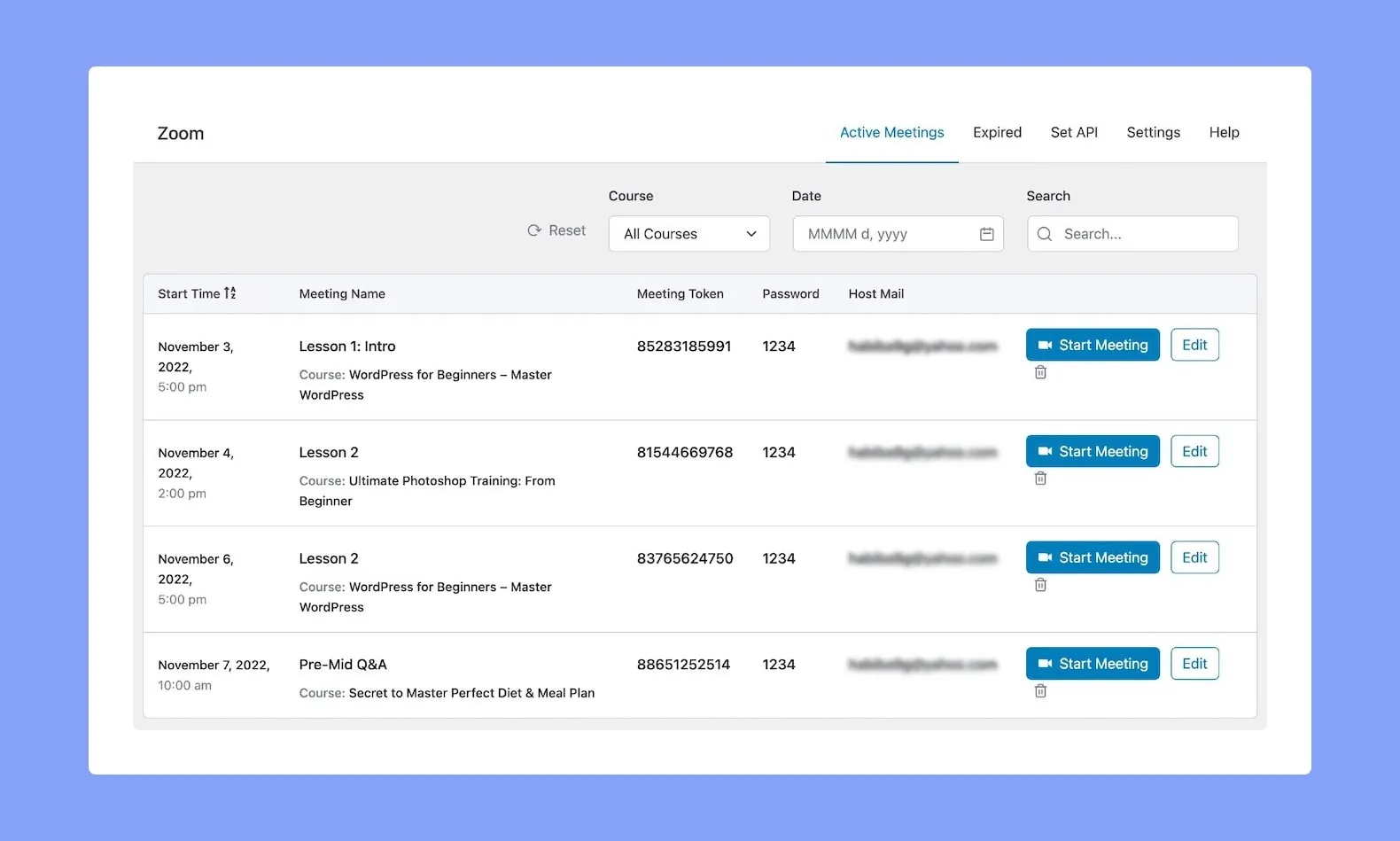
While you can't manage all Zoom settings directly in Tutor LMS, you can easily schedule, share, and access Zoom meetings within your learning platform.
How do learners join Zoom meetings?
Learners receive meeting links automatically and can join with a single click directly from their course dashboard.
Can I record Zoom sessions for later viewing?
Yes! The integration allows you to record sessions with Zoom's recording features, making them accessible for learners to revisit.
Is this integration compatible with all Zoom plans?
Most Zoom plans, including free plans, offer basic meeting functionalities that work with this integration. However, advanced features like larger meetings or cloud recording might require specific Zoom plans.
Use cases
Live classes: Conduct live classes with Zoom integration to engage students in real-time discussions and demonstrations, promoting interactive learning experiences.
Virtual office hours: Host virtual office hours using Zoom to provide personalized support and guidance to students, fostering a supportive learning environment.

Start Using Tutor LMS Today
Ready to take your online courses to new heights? Download Tutor LMS now and enjoy a journey of eLearning excellence.